
Uncategorized
Dlaczego zdjęcia QC z usfans są kluczowe dla satysfakcji klienta
Smart Search Tip:
Looking for more? To find items instantly, use single‑word keywords (e.g., “SHOES” or “T‑SHIRT”) instead of long sentences for the best results.
Table of Contents
- Reading a Community Product List
- What QC Photos Can Actually Show
- Comparing More Than One Entry
- Using Measurements Alongside Images
- What QC Photos Cannot Establish
- Checks Before Moving to an Ordering Platform
- Common Mistakes When Reviewing Product Entries
- A Practical Review Workflow
Reading a Community Product List
A community‑maintained product list is easiest to use when you treat each row or entry as a starting point for research rather than as a final purchasing decision. Large lists can contain many similar‑looking items, abbreviated descriptions and links that make sense only after you open the individual listing. The first task is therefore not to judge quality immediately. It is to narrow the list to entries that are relevant enough to inspect.
Start with a simple keyword rather than a long natural‑language search. A category can also reduce the number of irrelevant results. For example, someone looking for footwear can move directly into the USFans Spreadsheet Shoes category before comparing individual entries. This makes the browsing process more manageable than scanning a large mixed list from beginning to end.
Once an entry catches your attention, separate the information into three groups: what is explicitly listed, what is visually observable, and what still needs verification. A product name or description belongs to the first group. A visible zipper, stitching pattern or colour difference belongs to the second. Whether the item will ultimately meet your expectations belongs to the third.
This distinction matters because inclusion in a community spreadsheet does not automatically establish product quality, seller reliability, authenticity, exact specifications or successful delivery. The value of the directory is in helping you discover and compare options efficiently, while the details still need to be checked before an order is placed.
What QC Photos Can Actually Show
QC photos are useful because they move the review process beyond a product title and a single catalogue image. When several photographs are available, you can inspect different sides and details of an item instead of relying entirely on the original listing description.
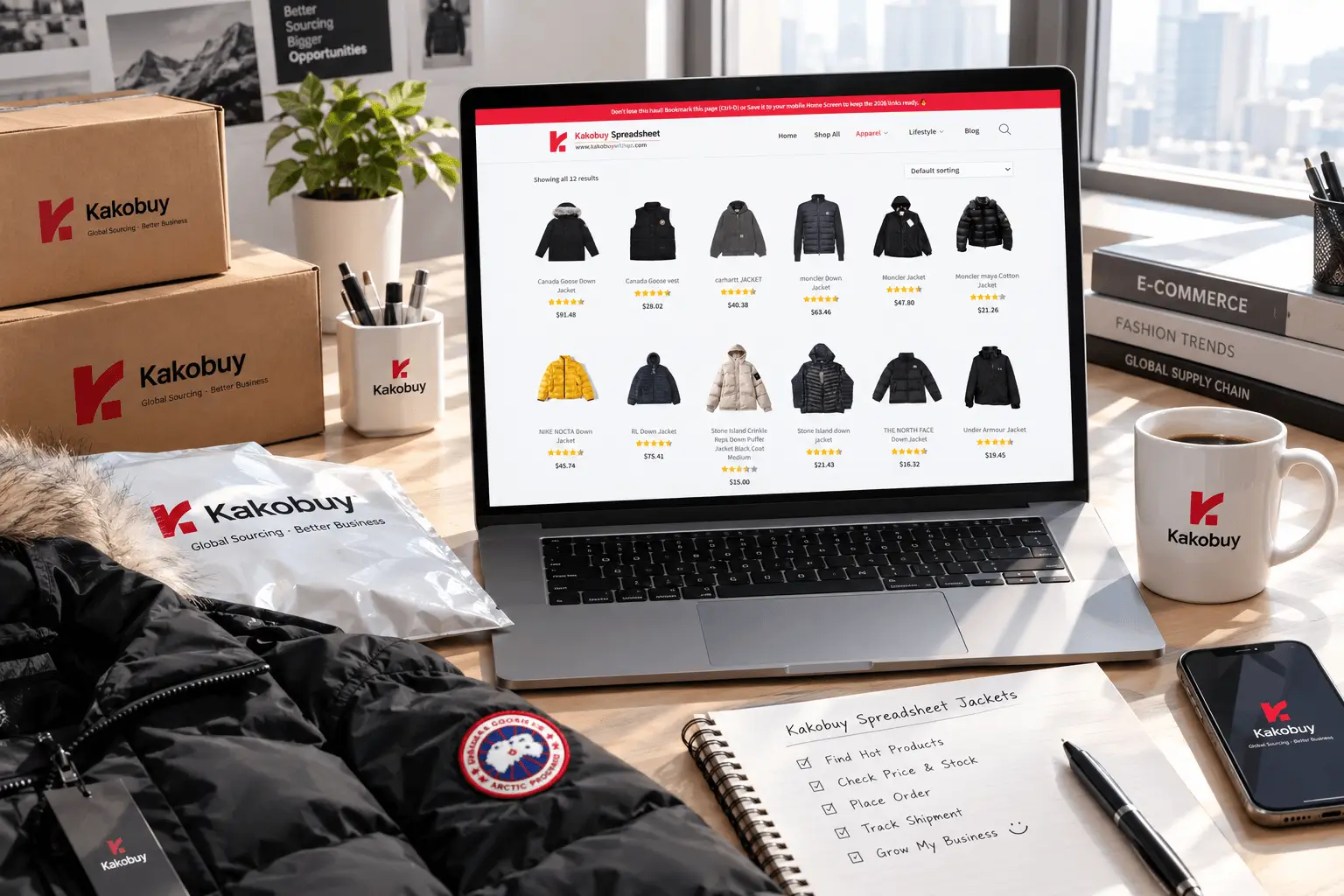
For clothing, look at construction details that can reasonably be observed in the photographs. Stitching can reveal whether seams appear straight and consistent. The overall shape can help you identify whether the garment appears structured, loose, cropped or otherwise different from what you expected. Logos, graphics and labels can also be inspected for their visible placement, alignment and appearance.
Hardware deserves separate attention. On jackets, bags or other accessories, photographs may allow you to inspect zippers, buttons, buckles, pulls and other visible components. You can look for obvious scratches, inconsistent finishes or visibly damaged parts. These observations are more useful when you examine several images rather than making a judgment from one close‑up.
Colour is another area where photographs can help, although screen settings and lighting can affect how colours appear. If two photographs show noticeably different shades, that is a reason to investigate further rather than automatically assuming that the physical product has a colour problem.
For footwear, visual inspection can include the shape of the upper, stitching, sole construction, visible branding or graphics, symmetry and obvious surface defects. These checks are especially useful when comparing two otherwise similar entries. If one listing provides more useful angles or clearer detail, it may simply give you more information to work with; that does not by itself establish that the underlying product is better.
Look for details, not just overall appearance
A common beginner mistake is to look at a QC image for five seconds and decide that the product looks good. A more disciplined approach is to inspect the same categories in every available photograph: construction, shape, visible markings, hardware, colour consistency and defects.
Zooming into a single detail can also change the interpretation of an image. A seam that appears acceptable at normal size may show loose threads when enlarged. Conversely, a small photographic artefact may look more serious than it is when viewed at extreme magnification. The aim is not to find something wrong in every image, but to distinguish clearly visible information from uncertainty.
Comparing More Than One Entry
QC photos become particularly useful when they are used comparatively. Instead of asking whether one photograph looks attractive, compare the same observable feature across several entries.
Suppose three jackets appear similar in a community list. Rather than choosing the first result, open each listing and check the available photographs. Compare the visible construction, pocket placement, zipper details, graphic position and overall shape. Then check whether the measurements or other supporting information are consistent with what you are looking for.
This approach also helps identify information gaps. One entry may have several clear photographs but limited measurements. Another may provide useful dimensions but fewer detailed images. A third may have a different set of seller‑provided information. There is no need to automatically declare one listing superior. The practical question is which entry gives you enough relevant information to continue your research with reasonable confidence.
Keep the comparison focused. If your main concern is fit, measurements deserve more attention than minor visual differences. If construction is the concern, inspect seams, panels and hardware. If colour matters, compare photographs under similar lighting where possible. A good comparison uses the information that actually relates to the decision.
Build a simple comparison habit
- Record the product name or listing identifier.
- Check the available QC photographs.
- Note visible construction details.
- Look for seller‑provided measurements or dimensions.
- Check whether important information is missing.
- Compare at least two relevant entries when practical.
- Recheck the current listing before moving toward an order.
This method prevents a common problem with large product directories: choosing an item because it was the first relevant result rather than because its available information matched the actual requirement.
Using Measurements Alongside Images
Photographs are visual evidence, while measurements provide a more objective reference point. For apparel and footwear, using both is usually more informative than relying on either one alone.
Clothing sizes such as S, M, L and XL are not internationally standardized. A label therefore should not be treated as a universal measurement. When seller‑provided dimensions are available, check the numbers that matter for the garment. Depending on the item, that can include chest width, garment length, shoulder width, sleeve length, waist or hip measurements.
For footwear, foot length and insole length can be more useful than the nominal size alone. Different constructions can produce different amounts of usable space, so a numerical size should not automatically be interpreted as an exact fit.
QC photographs can sometimes help you understand how a measurement relates to the physical shape of an item. They may show where seams, panels or design elements sit. They cannot, however, replace actual measurements. A photograph does not provide a reliable numerical dimension unless a clear reference is available, and even then the result may not be precise enough for sizing decisions.
When an important measurement is missing, the safest interpretation is simply that the information has not been established yet. Do not infer it from the appearance of the garment or from the size label.
What QC Photos Cannot Establish
The usefulness of QC photography depends on keeping its limits in view. A clear photograph can show a great deal about visible appearance, but it does not turn an unknown product into a fully verified one.
Photographs generally cannot establish fabric composition, chemical composition, long‑term durability or long‑term comfort. They also cannot conclusively establish authenticity. A label may be visible and a graphic may appear consistent, but visual similarity is not the same thing as independent verification.
The same principle applies to performance. A photograph of a zipper can show its visible condition and construction, but it cannot demonstrate how that zipper will perform after months of use. A close‑up of stitching can reveal loose threads or irregularities, but it cannot prove long‑term seam strength.
QC images should therefore be treated as one information layer. Combine them with the listing details, available measurements, product dimensions and any other information that can be checked. If an important point cannot be established from the available material, leave it as an open question rather than filling the gap with an assumption.
This is particularly important when a product entry contains only limited information. A polished photograph can make a listing feel more complete than it actually is. The correct response is to inspect what is visible and identify what remains unknown.
Checks Before Moving to an Ordering Platform
Once you have narrowed your options, the next step is to recheck the current listing before using an external ordering platform. Community product information can change, and an entry that was useful for discovery may not contain every detail needed for a current transaction.
First, confirm that the product link still corresponds to the item you intended to inspect. Then check the currently displayed product information, available variants, measurements and other relevant details. If the item has different colours, sizes or configurations, verify the specific option rather than assuming that all variants share identical specifications.
Next, consider whether the QC photographs actually correspond to the entry you are reviewing. The photographs should be interpreted in their listing context rather than treated as universal proof for every similar product.
Before placing an order, also review the ordering platform’s current information about payment, shipping methods, destination restrictions and other applicable conditions. International orders can involve customs, VAT or GST, package weight, volumetric weight and destination‑specific restrictions. Rules vary by destination and can change, so current platform and government information should be checked when those issues affect the order.
The transition from discovery to ordering is therefore a separate checkpoint. Finding an interesting entry is one step; confirming the current information needed for a transaction is another.
Common Mistakes When Reviewing Product Entries
Judging from one image
A single photograph can hide the side, back or interior of an item. If multiple QC images are available, inspect them together. Different angles can reveal details that are invisible in the main view.
Confusing appearance with verification
A product can look well presented in a photograph without every specification being confirmed. Keep visible observations separate from claims that require information the image cannot provide.
Ignoring measurements
This is especially common with clothing and footwear. A familiar size label can create false confidence. Manufacturer or seller‑provided dimensions are usually more useful for comparison when they are available.
Assuming similar listings are identical
Two entries can have similar names and photographs while differing in dimensions, construction, available variants or other details. Compare the actual entries instead of treating similar‑looking products as interchangeable.
Using old information without rechecking
Product links, availability and listing details can change. A community directory is useful for discovery, but the current listing should be checked before an external order is considered.
A Practical Review Workflow
A straightforward workflow can make a large community spreadsheet much easier to use without turning every search into a lengthy investigation.
- Start broad, then narrow. Use a short keyword or category to reduce the number of irrelevant entries.
- Open several relevant listings. Do not assume the first matching entry is the only option worth reviewing.
- Separate facts from observations. Record what the listing states and what the photographs visibly show.
- Inspect QC photos systematically. Check stitching, shape, graphics, labels, hardware, symmetry, colour consistency and visible defects where relevant.
- Check measurable information. For apparel, review dimensions such as chest, length, shoulders, sleeve, waist or hip measurements when provided. For footwear, check foot and insole measurements where available.
- Identify missing information. Do not replace an unknown specification with an estimate based on appearance.
- Compare entries using the same criteria. This makes differences easier to understand and prevents one attractive photograph from dominating the decision.
- Recheck the current listing. Confirm the link, variant, measurements and other relevant information before proceeding.
- Review ordering conditions separately. Once you move to an external platform, check its current purchasing and shipping information for your destination.
The main advantage of QC photography is not that it eliminates uncertainty. It reduces some forms of uncertainty by giving the shopper more observable information before the purchasing stage. That distinction is important. A photograph can reveal a visible defect, clarify the shape of an item or make two entries easier to compare, while leaving questions about durability, composition, authenticity or future performance unanswered.
Used together with category navigation, product details and measurements, QC images turn a large sourcing list into a more structured research process. The goal is not to treat every photograph as proof, but to use each available piece of information for the question it can genuinely answer.
Tags: USFans, Product Research, qc photos, shopping guide, Sourcing
